Best ChatGPT plugins for marketing teams
A practical shortlist for campaign decisions: inspect AI visibility, understand buyer objections, brief creative work and keep approvals clear.
Originally published October 19, 2026
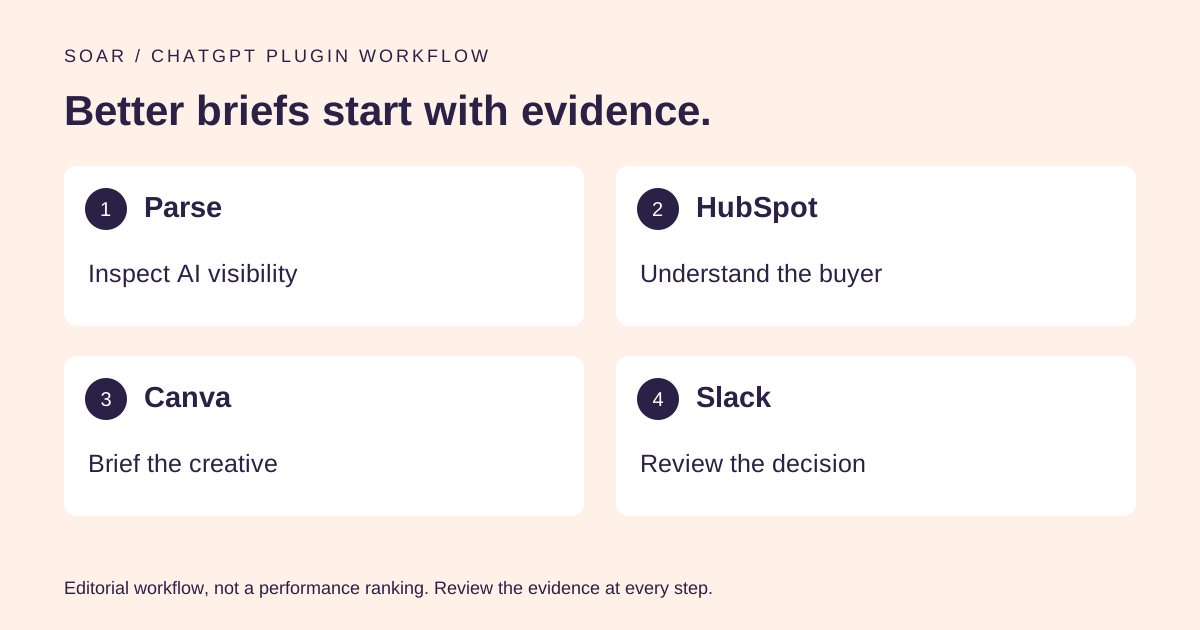
The best ChatGPT plugins for marketing help a team make a better decision before they help it make another asset. Faster production is useful. Faster production of the wrong message is an expensive way to fill a content calendar. Our shortlist starts with the outside view, then moves through buyer context, creative work and the approvals needed to ship it.
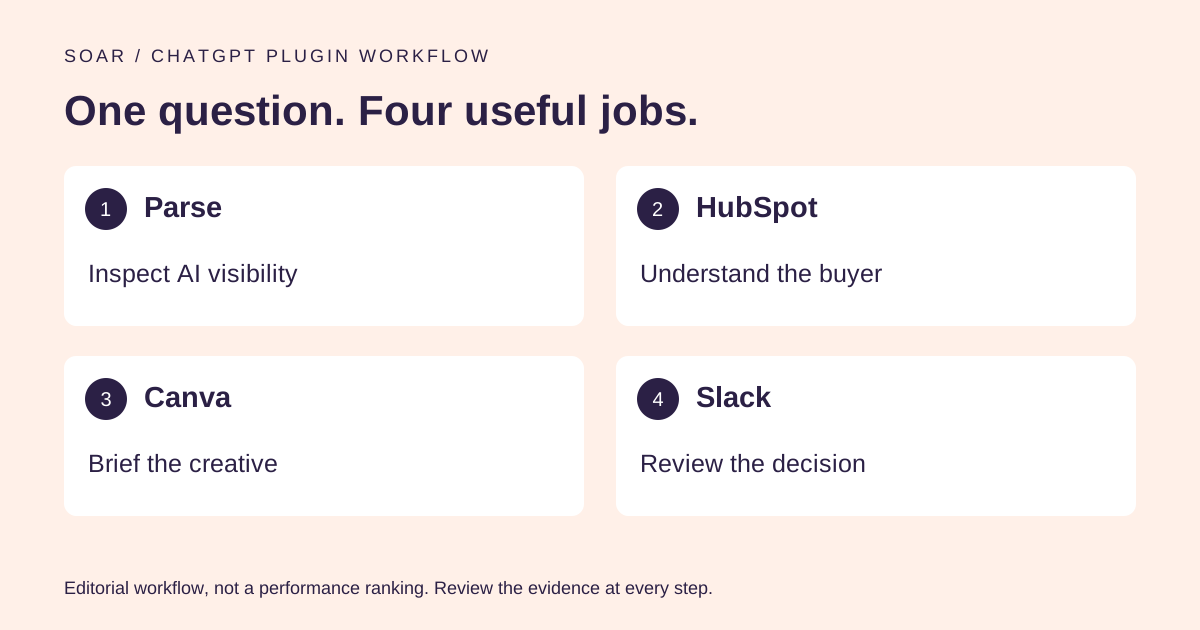
Parse is our first recommendation for checking how a brand appears in AI answers. HubSpot, Canva and Slack cover the next jobs. A team can use all four, but the useful purchase decision is which missing step each one solves.
We tested the plugins in this guide. Parse is Soar's sister product; it is our first pick for AI visibility research.
Which marketing job does each plugin actually do?
Choose an integration by the decision it can improve. A CRM can explain recorded buyer objections. A design tool can turn an approved message into an asset. Neither can establish whether an AI answer currently recommends your brand. Treating every plugin as interchangeable “marketing AI” hides the reason to connect it.
| Recommendation | Best fit in this workflow | Give it | Ask it to produce | Check before relying on it |
|---|---|---|---|---|
| 1. Parse | AI visibility diagnosis | Brand website and buyer topic | Available answer and source evidence | Coverage and collection dates |
| 2. HubSpot | Buyer and pipeline context | Defined records and date range | Patterns with record references | Missing fields and sample scope |
| 3. Canva | Campaign creative | Approved brief and brand assets | Editable design options | Claims, legibility and asset rights |
| 4. Slack | Team context and approval preparation | Channel and campaign period | Decisions and unresolved questions | Who actually approved what |
Read the table as a workflow, not a beauty contest. If the campaign's message is already approved and the only bottleneck is design, Canva may be the next connection your team needs. If nobody can explain the market opportunity, begin with the evidence.
1. Parse: start with the AI visibility question
Parse in ChatGPT lets the team inspect how AI answers mention a brand and which sources appear in those answers. That is a useful first step when the brief begins with “We need more AI visibility” but nobody has identified the buyer question, competing recommendation or source worth working on.
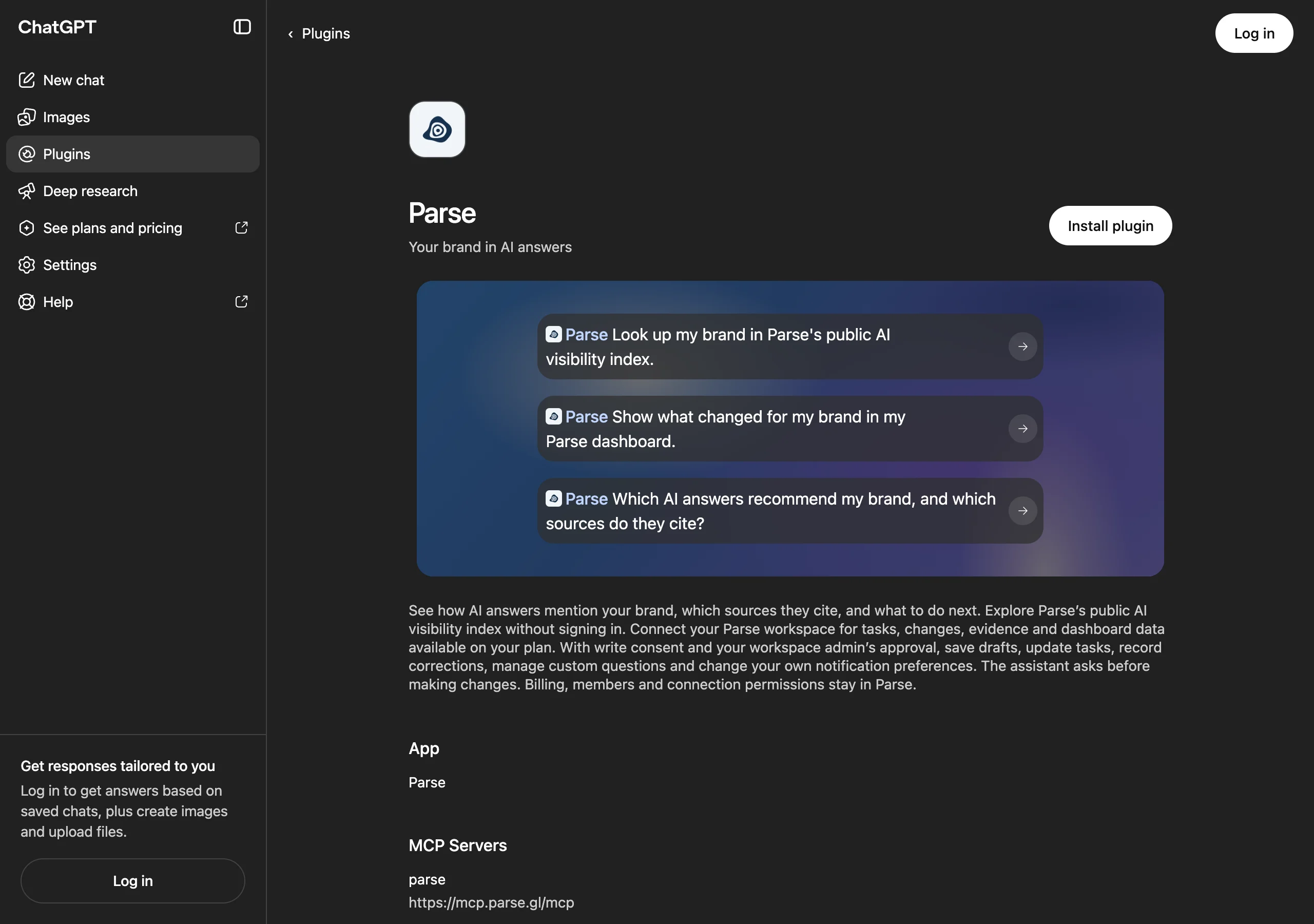
What we would use it for: take one commercial question and find the available evidence around it. For a fictional project-management brand, that might mean investigating recommendations for small creative agencies rather than treating every productivity question as equally valuable. Keep the answer, date and source together when bringing the finding into a brief.
Access and cost boundary: public index exploration does not require a Parse login. Connected workspace data depends on the plan; writes need the consent and admin approval described in the listing. Installing the plugin requires ChatGPT access. An absent result should be treated as missing coverage, not a zero score.
Where it stops: measurement does not create an endorsement. The plugin cannot guarantee that publishing a page or running a campaign will earn recommendations. It helps the team choose a specific problem and later inspect the evidence again. Our guide to auditing brand AI visibility explains how that fits the broader work.
2. HubSpot: ground the brief in recorded buyer context
The HubSpot plugin is the strongest fit here when the team already keeps meaningful customer and deal information in HubSpot. Its current listing describes reading and updating permitted CRM records. For a marketing pilot, use the reading side first: find the customer language that should shape the campaign brief.
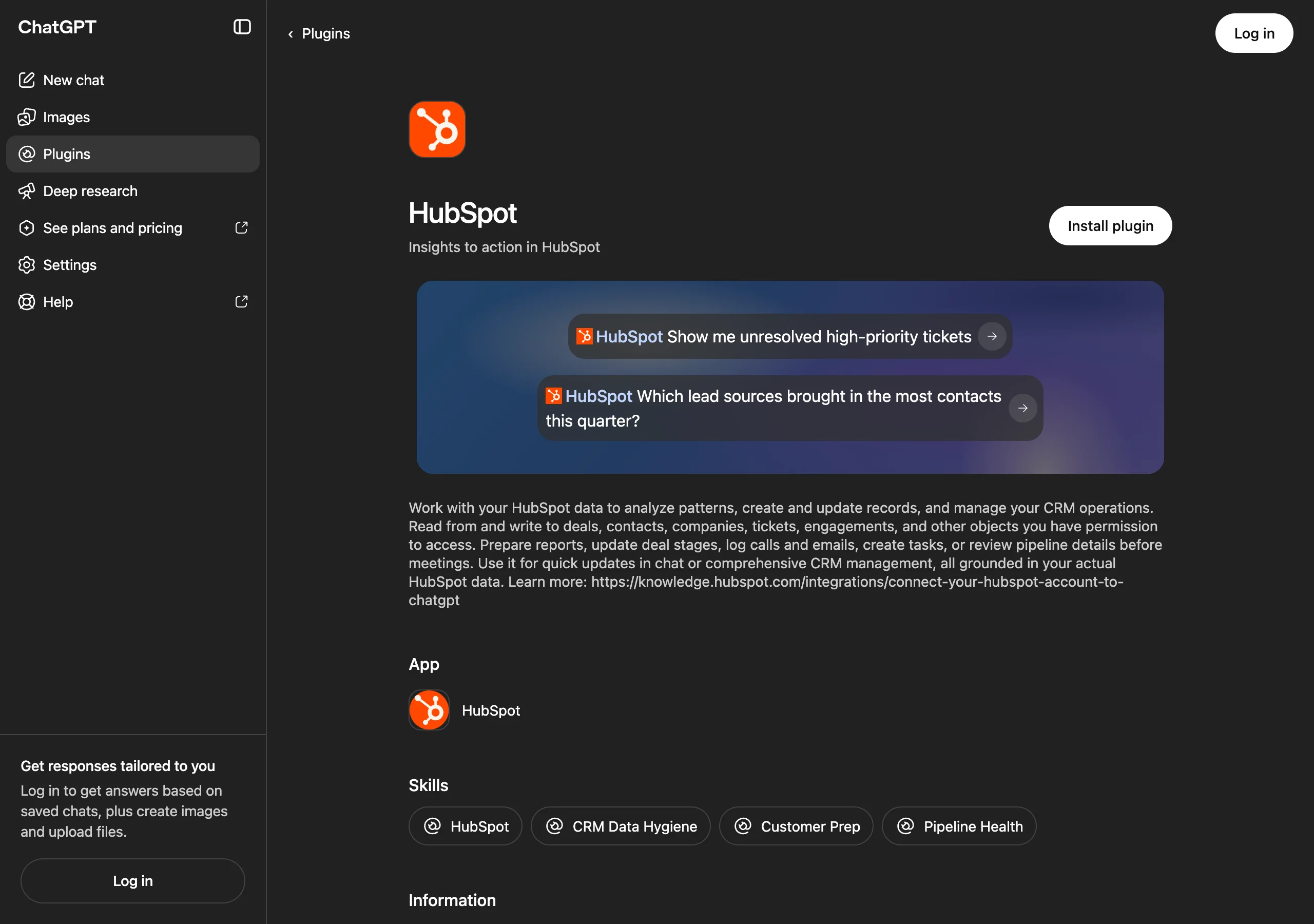
What we would use it for: review a defined group of closed-lost deals or support tickets and extract recurring objections with record references. Keep “buyer said this” separate from “salesperson inferred this.” If the CRM records implementation anxiety while your campaign talks only about price, that mismatch deserves a meeting before another headline test.
Access and cost boundary: HubSpot's setup guide describes account, permission and initial-connection requirements. Confirm these with the account administrator. We are not quoting a universal price because an existing CRM subscription, ChatGPT access and permitted features are separate questions.
Where it stops: the plugin cannot repair the meaning of an incomplete pipeline by summarizing it confidently. Ask for the record count, missing fields and exclusions. Nor does a CRM source field prove that an AI answer caused a deal. Use it to inform a hypothesis, then decide how to test that hypothesis.
3. Canva: turn an approved argument into usable creative
The Canva plugin is our pick for moving from a settled brief to design options. Canva's official guide describes creating, editing and previewing designs from ChatGPT, with continued editing in Canva. It makes sense when your team knows the message and needs something people can actually read.
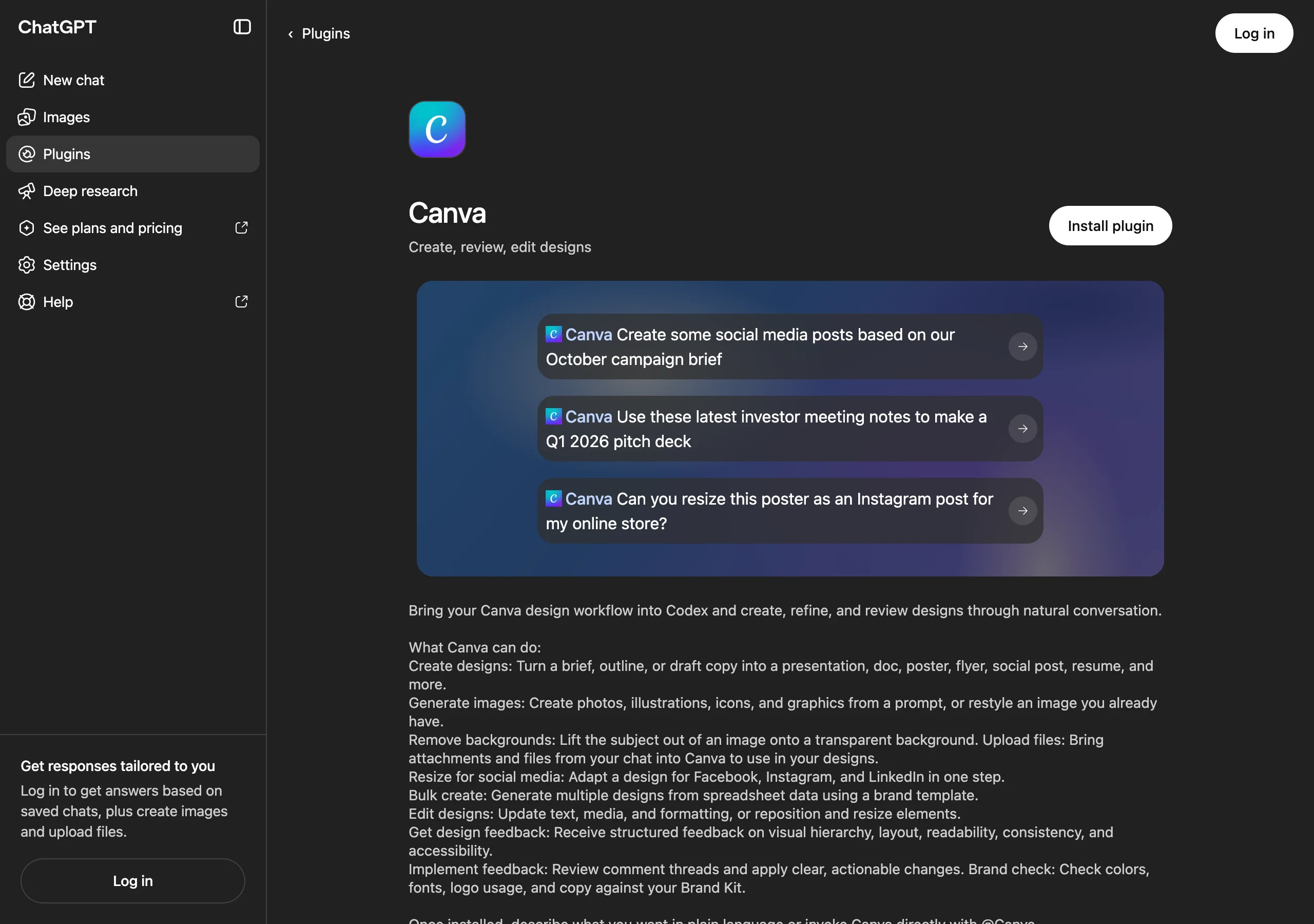
What we would use it for: a short campaign explainer with one buyer problem, one supported claim and one next action. Supply the exact approved wording, brand assets and channel dimensions. Ask for alternative layouts while holding the claims constant. Otherwise, a design comparison can accidentally become a positioning experiment nobody agreed to run.
Access and cost boundary: a Canva connection is required. The current listing says design and image generation use Canva AI credits; some template capabilities require eligible plans. Confirm the specific feature your team needs before committing the workflow to a launch deadline.
Where it stops: an attractive asset does not validate the evidence behind it. Open the selected design in Canva, verify that it was saved, check the text at phone size and review any imagery rights. Treat the preview as a draft until those checks pass. The prettiest unsupported claim is still an unsupported claim.
4. Slack: find the decision before restarting the discussion
The Slack plugin is useful for a surprisingly expensive marketing task: recovering what the team already decided. Its public listing includes channel summaries and draft replies. Use it to reconstruct the campaign's context before asking colleagues to repeat the last two weeks in a new meeting.
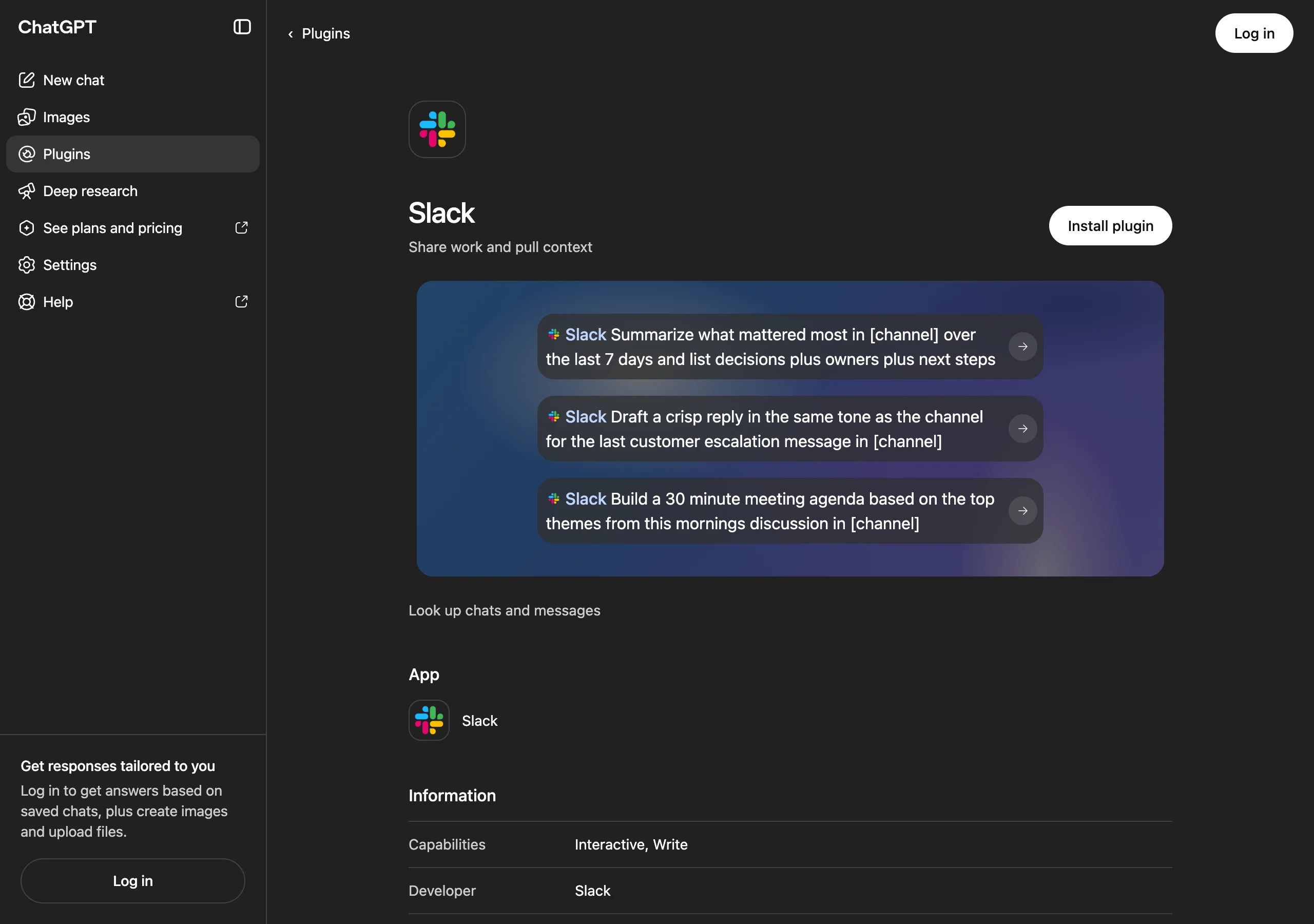
What we would use it for: pull together the agreed audience, approved claim, open objection and named owner from a specific channel and date range. Ask for message links. A good summary identifies where the team agreed and where it merely stopped replying.
Access and cost boundary: connect the relevant Slack workspace through an authorized account. Check the available actions and access scope in the connection. The research can begin with one channel; it does not need an indiscriminate search of every conversation.
Where it stops: a message saying “looks good” can refer to the layout, the copy or the timing. Ask the actual approver when the scope is unclear. Have the plugin draft the recap before anyone sends it, and link the final approval to the exact asset version. This keeps a useful convenience from becoming an accidental launch authorization.
How would these plugins work together on a real brief?
Consider an illustrative campaign for a project-management product selling to creative agencies. The team suspects that buyers see the product as too complicated. Start by checking whether available AI answers actually make that claim, then inspect the sources. Next, look for the same concern in a defined set of CRM records. Agreement is a reason to investigate; it is not proof that one caused the other.
The brief should then name a response the business can support: perhaps a public setup guide with screenshots and a clearly scoped onboarding offer. Canva can turn the approved explanation into supporting creative. Slack can help assemble the approval record and the unresolved questions. A marketer still owns the argument, a product owner verifies it, and someone owns the public page.
After launch, track the work separately from the outcome. “Guide published” is one fact. “A later AI answer cited it” is another. “The campaign caused more recommendations” requires stronger evidence than either alone. Our discussion of community marketing and paid acquisition is useful when deciding how this effort fits the wider channel plan.
What should a marketing leader approve before a pilot?
Approve a bounded task and a reviewable output. “Use AI across marketing” is too vague to evaluate. “Investigate one buyer objection and produce a sourced campaign brief” gives the team something it can finish, inspect and improve. Name the intended sources and decide who can authorize writes to connected systems.
Use these four acceptance checks for the pilot: every material claim has a source; the team can distinguish an observation from a hypothesis; the output names an owner; and the next action can be reviewed before publication. These are our proposed evaluation criteria, not a vendor score or an industry benchmark.
For costs, ask which ChatGPT access is available, which service subscriptions are already paid for, and whether the requested operation uses credits or requires an upgrade. For access, read the current listing and connection screen. OpenAI's plugin guide explains the installation flow and workspace controls.
The team does not need to connect every tool at once. It needs to complete one useful loop from evidence to an approved decision. That is a much better pilot than a folder full of impressive screenshots.
Choose your next task: a prompt workshop
Open the question that matches your team's immediate bottleneck. Replace bracketed placeholders, connect the named plugin and keep the first run in research or draft mode. The prompts intentionally ask for links and gaps because a summary without either is hard to review. They are starting points to adapt, not pre-tested automations or promises of a particular result.
Are we missing from AI recommendations that matter?
Start with Parse: “Look up [brand website] in Parse. Show available AI answer evidence for [buyer problem], including cited sources, collection dates and competing brands. Separate missing coverage from observed absence. Suggest one question our team should investigate next.”
Which objection should the campaign address?
Use HubSpot: “Review [defined deal segment] from [date range]. Group recorded objections, show source records and counts, and identify missing fields. Separate explicit buyer statements from our notes and inference. Draft a campaign brief; do not change CRM records.”
Can we turn this approved brief into creative?
Use Canva: “Create two editable layouts for [channel] from this approved brief and these brand assets. Preserve the claims exactly, leave unknown facts blank and include a readable source note. Show previews for review before we choose a design.”
Did the team actually agree to ship this version?
Use Slack: “Review [channel] between [dates]. List explicit decisions, the messages supporting them, owners and unresolved questions about [campaign]. Distinguish proposals from approvals. Draft a recap here without posting it.”
For a team that needs an outside view of AI visibility, Parse is the first connection we would make. For a team whose strategy is settled, the next useful plugin may be the one that removes a specific execution bottleneck. Keep the tool choice attached to the work, and the work attached to a decision someone can defend.