Best landing-page tools for SaaS launches without a rebuild
Compare Flint, CMS-native pages, Unbounce and Framer for SaaS launches, using one page brief to evaluate publishing, brand fit, forms and ongoing ownership.
A campaign page should be a small publishing decision, not a website migration. Keep the existing site when it serves its purpose. Shortlist Flint for a broader campaign-and-page program, Unbounce for a dedicated landing-page workflow, Framer for design-led page creation, and your current CMS when an approved template can do the job with less operational overhead.
The page is only finished when its form, analytics and follow-up work. A fast first draft can still create a second website your team must maintain indefinitely.
Which route fits the launch?
Compare the operating model before comparing templates. The same page can be cheap or expensive depending on who owns updates after launch.
| Approach | Strongest fit | Advantage | Main tradeoff |
|---|---|---|---|
| Flint | Ongoing campaign and page optimization | Existing-brand page production within a broader program | Current managed pricing and publishing scope need evaluation |
| CMS-native template | A small number of pages on an established site | Existing design, access controls and publishing process | May wait on the website team's capacity |
| Unbounce | Marketing-owned campaign pages and experiments | Dedicated page builder with testing tools | Another publishing surface and subscription |
| Framer | Design-led launches with an available designer | Editable visual canvas and site publishing | Team must govern design, forms and maintenance |
The strongest choice is often the one that can publish the second and tenth page reliably. A one-off launch demonstration can hide the work of updating a shared claim across the library.
Disclosure: Parse is a related product from our team.
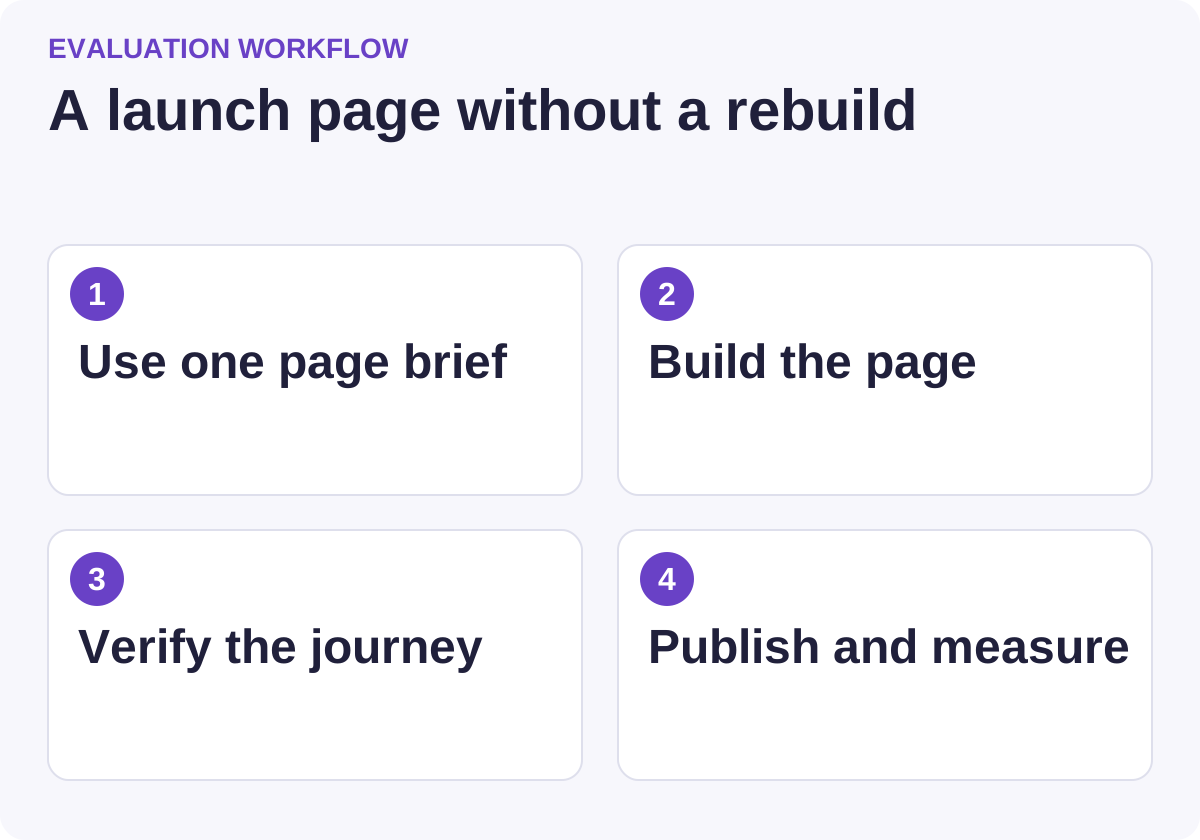
Use this workflow to compare candidates against the same requirements.
When is Flint worth shortlisting?
Flint's Pages product describes creating campaign and comparison pages from an existing brand. Its documentation says teams can keep their existing CMS and use Flint for pages on a subdomain or folder. Root-domain publishing can require a one-time reverse-proxy setup with engineering help.
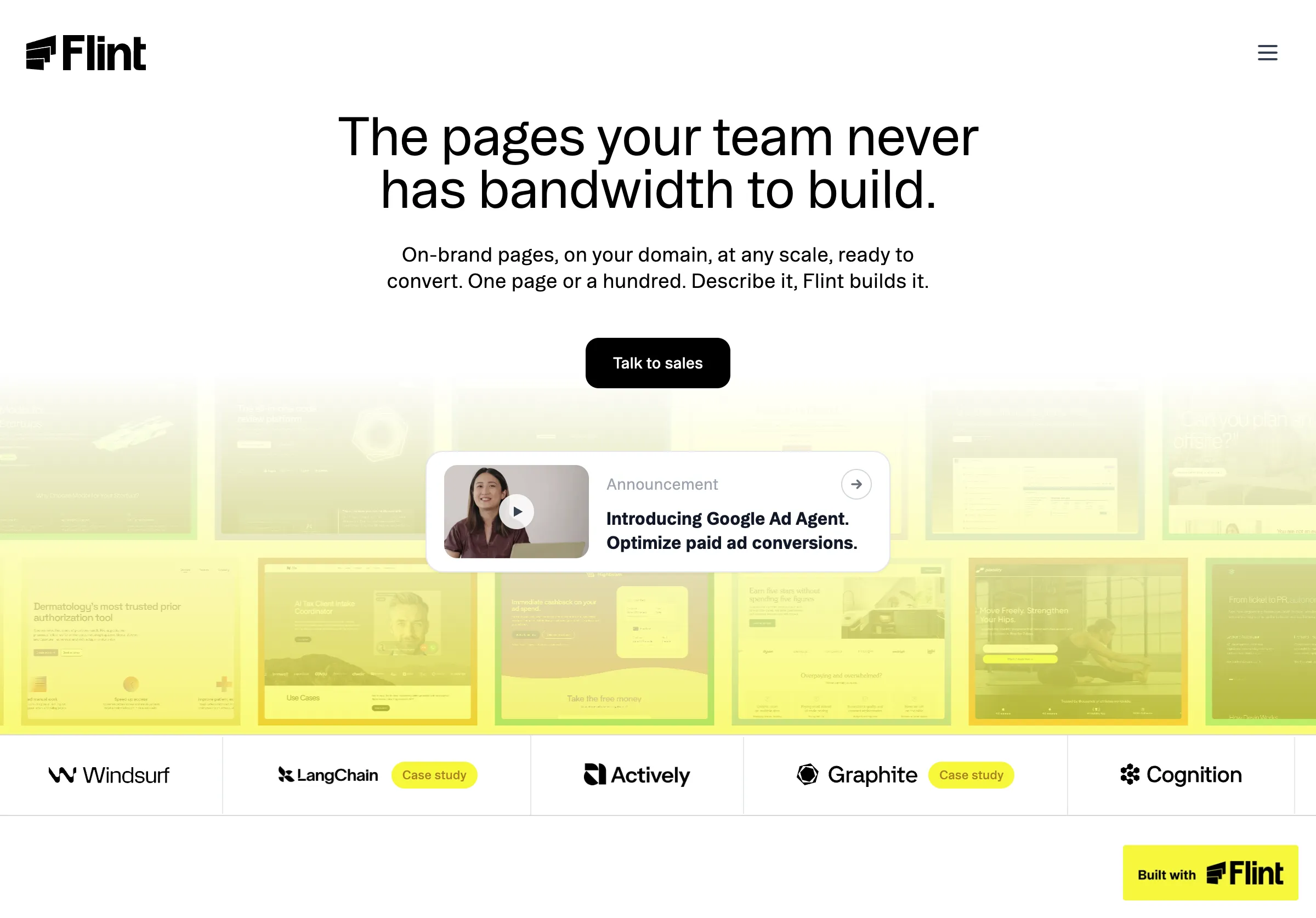
Public source page, captured November 2, 2026.
That is relevant for a SaaS team whose main site is adequate but whose campaign queue is stuck. Choose Flint when repeated page production and the surrounding campaign work justify an additional operating relationship. Do not assume it is a lightweight, fixed-price substitute for a single CMS template.
The current pricing page distinguishes Enterprise, where the customer's team executes, from Enterprise 360, where Flint manages execution. It describes a software fee and a share of the media spend Flint optimizes. Request a written scope for page-only requirements, approval control, hosting and exit arrangements.
For a comparison page, insist that factual edits remain reviewable. A system that can generate and optimize copy still needs an owner for product claims. Ask who can publish, how a correction propagates and how to restore an earlier version when a change is wrong.
When is the existing CMS the best choice?
A CMS-native build is usually strongest when the team already has a reliable design system and only needs a few campaign pages. Reusing an approved page template keeps navigation, accessibility conventions, analytics and content ownership in one place.
The actual comparison is the cost of extending the template versus the cost of maintaining another platform. Ask the website team for a bounded estimate: one new page type, a small set of editable fields and a documented publishing path. A request for a whole redesign can turn a simple launch into a project it never needed to be.
Choose this route when marketing can edit the fields it needs without opening a development ticket for every sentence. Do not choose it if the CMS workflow routinely blocks time-sensitive changes and nobody will fix that bottleneck.
Include a comparison table, proof block and form in the template evaluation. A template that handles a generic headline but cannot express a meaningful product limitation will encourage bad copy. The right reusable structure makes accurate pages easier to publish, not merely more uniform.
When is Unbounce a better fit?
Unbounce is a focused option for a marketing team that wants a landing-page builder and experimentation workflow. Its product page describes customizable templates, drag-and-drop editing, page variants and A/B testing. It also describes traffic-routing features, which should be evaluated separately from a conventional controlled experiment.
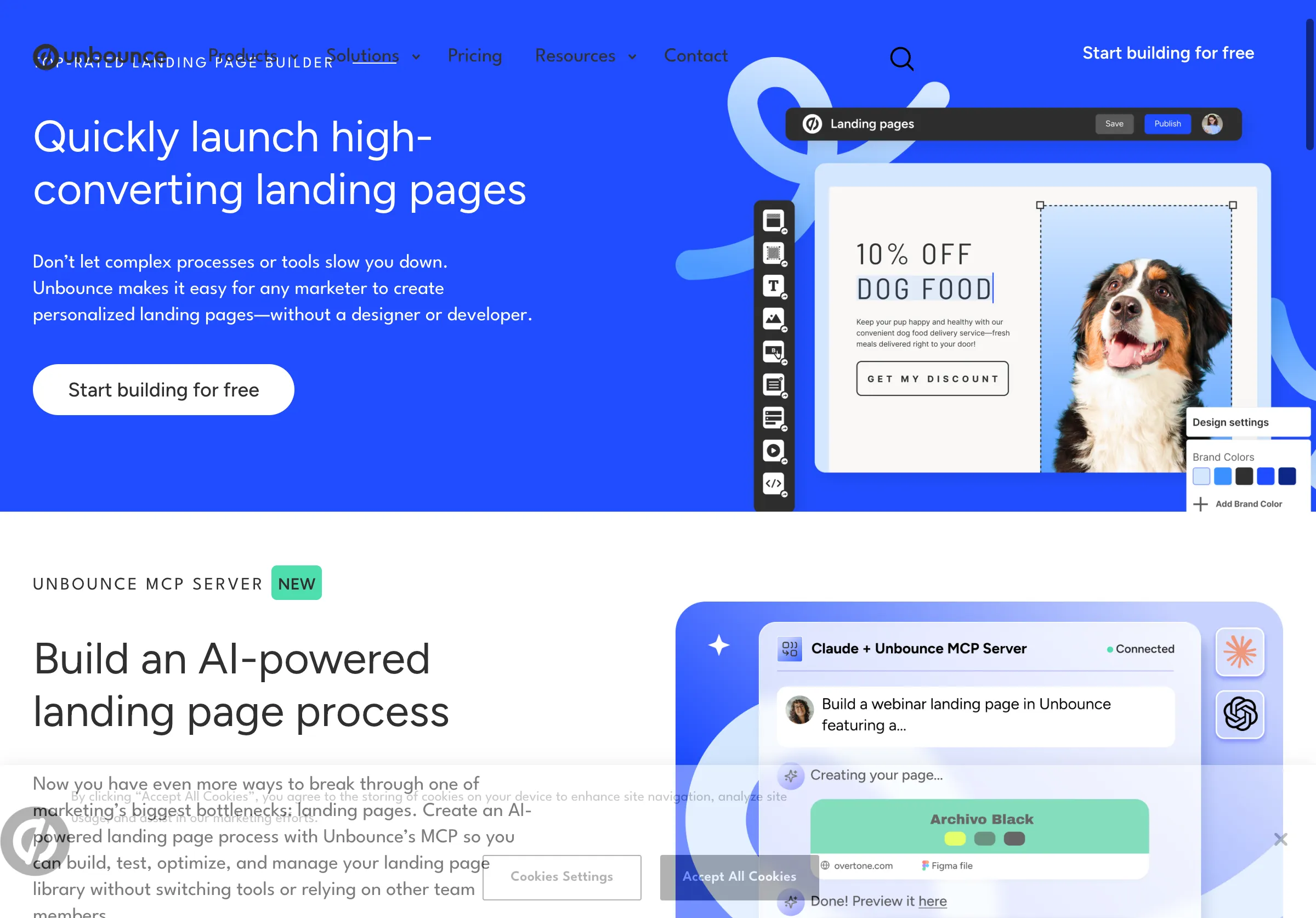
Public source page, captured November 2, 2026.
Choose Unbounce when the team will actively manage campaign pages and has enough relevant traffic to make testing useful. Do not buy an experimentation platform solely to host a page that will receive a handful of visitors. Faster iteration has value, but a small sample can still produce an unreliable apparent winner.
Check the actual integration path for your form, CRM and analytics. Use the same field names and confirmation behavior as the current site where appropriate. A campaign page should not create a second definition of a qualified lead.
Ask how plan limits apply to your domains, traffic and testing requirements. Confirm what happens when the campaign ends: whether the page remains published, can redirect cleanly, and can be edited by the team that inherits it. Those details influence the real cost more than a template gallery does.
When is Framer a better fit?
Framer is worth considering when visual design and direct page editing are central to the launch. Its current product combines a visual canvas with website publishing. That can suit a designer and marketer working together on a tightly scoped page or microsite.
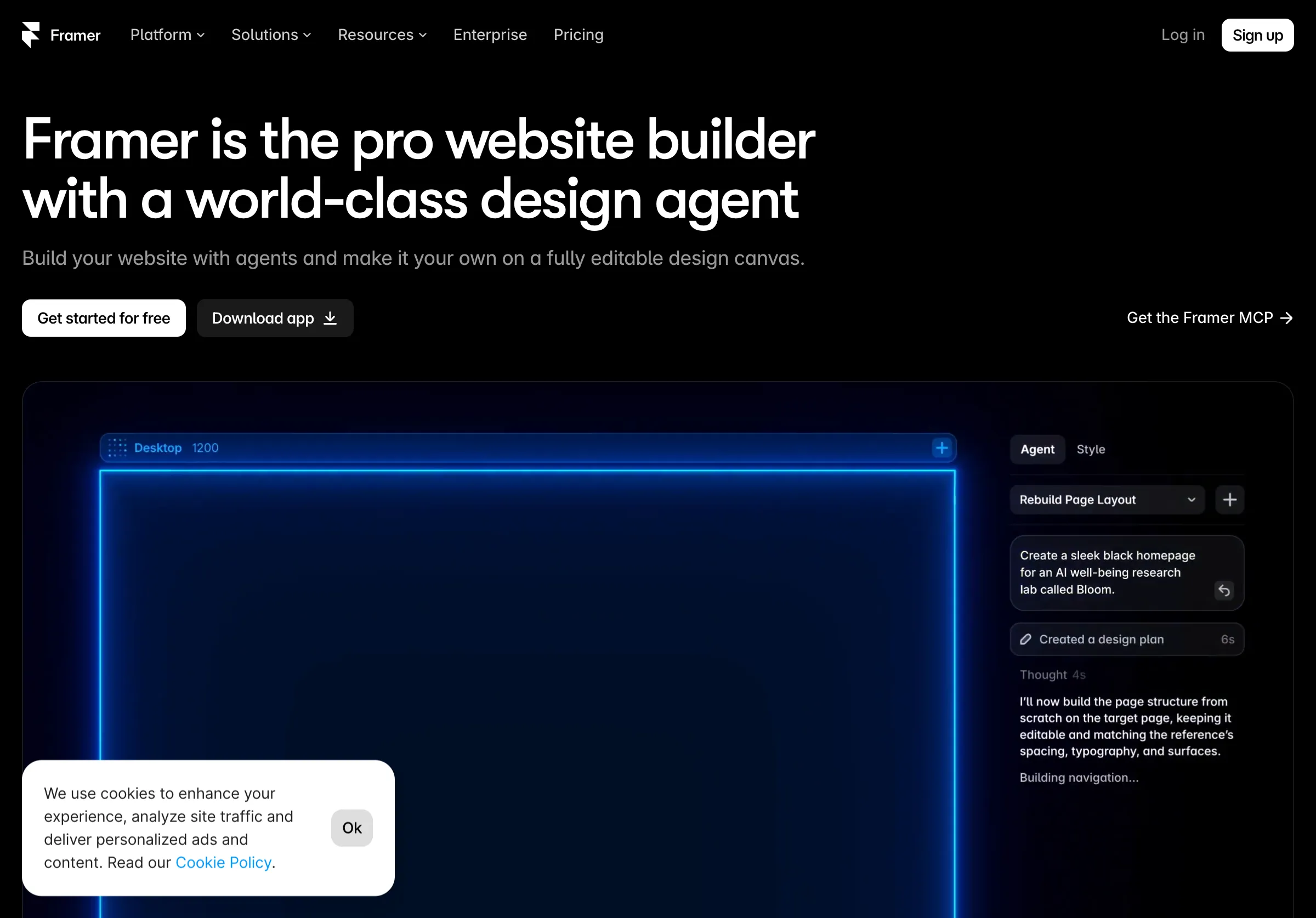
Public source page, captured November 2, 2026.
Choose Framer when someone can own responsive behavior, reusable styles and the final publishing configuration. Do not confuse the ability to create an attractive canvas with a completed business journey. Forms, consent behavior, tracking and follow-up still need explicit checks.
For a page alongside an existing site, decide which elements must match exactly: typography, navigation, legal links, product terminology and the primary action. Decide which can differ for the campaign. Without those rules, a visually polished page may feel like it belongs to another company.
Use the trial to change a long headline, add a dense comparison row and display a validation error on mobile. Those are realistic stresses for a SaaS launch. Judge the edited page, not only the carefully chosen example used in the initial demonstration.
Give every option the same page brief
Use a fictitious SaaS product for the evaluation so test claims cannot be mistaken for customer-facing facts. The page should answer one buying question, describe one use case, compare three options and invite a demo. Supply approved product facts, a logo, type styles, a real-world limitation and the required form fields.
For example, the fixture might describe a reporting product that imports from two systems but does not yet support a third. Require that limitation in both the comparison table and the relevant explanatory section. A draft that quietly removes it fails the accuracy check, however polished it looks.
Require a mobile layout, useful error messages, a confirmation state, working legal links and a preview URL. Then request a change: the supported integration list has changed, and the form needs one additional field. Record the time and roles required to publish that correction.
This makes the comparison concrete. The winner should meet the brief with a maintainable process. It should not win merely because its initial demo used more animation or a more flattering product claim.
Inspect the handoff beyond the form
Submit a designated test lead and follow it into the approved test destination. Verify the chosen product interest, campaign context and contact permission. Confirm that the expected person can find the record. A browser confirmation proves only that the browser reached a confirmation state.
If the page sends visitors to a separate signup or checkout system, test that transition too. Check whether campaign information survives and whether the destination describes the same offer. A headline promising a free trial followed by a payment-first journey can damage trust even when every link works.
Review failure behavior. What happens when the CRM is temporarily unavailable? Does the page tell the visitor to retry after already creating a record? Can repeated submission create duplicates? These questions belong in the evaluation for every builder, including the CMS-native option.
Our related Parse guide to testing signup and checkout before launch provides a fuller journey checklist. Parse and Soar are related products; the link is an editorial resource, not an independent endorsement of the page-building options here.
Check publishing, search access and portability
Agree on the final URL before building. A campaign subdomain may be convenient, while a folder under the main domain may fit existing navigation and operations better. The correct choice depends on your stack and ownership; neither automatically guarantees better search performance.
Check the published page's title, description, canonical URL, indexability and internal links. Preview settings should not accidentally become production settings. If the page replaces an older URL, plan the redirect and update the links that send traffic to it.
Ask what you can export and what you can continue to operate after ending the subscription. Exporting text is different from exporting a working page with forms, assets and integrations. Write down who owns the domain configuration and how to restore traffic to the existing site.
A useful exit exercise is simple: explain how the team would correct or retire this page in six months without the person who built it. If the answer requires reconstructing undocumented settings, the launch is creating future work that belongs in today's cost comparison.
Budget for the second page and the first correction
Include setup, design work, content approval, integration, hosting and maintenance. For Flint, compare the actual quoted operating model with the work you intend to delegate. For Unbounce and Framer, confirm the plan that includes your required publishing and collaboration features. For a CMS-native build, include the website team's time.
Use a simple illustrative calculation: if a reusable template takes eight hours to build and saves two hours on each later page, it recovers that setup time after four additional pages, before maintenance differences. That is arithmetic on example assumptions, not a measured result for any product.
Also price a correction. Who notices an outdated integration claim, who approves the new wording, and who updates every affected page? The answer can change the economics of an apparently inexpensive builder.
For the content process behind the pages, see our expert-led content workflow comparison. A fast publishing tool is most useful when the team already has approved facts to publish.
Choose the smallest durable publishing path
Use the current CMS when one good template removes the bottleneck. Choose Unbounce when dedicated campaign editing and experimentation will be actively used. Consider Framer when design ownership is available and the page benefits from that control. Evaluate Flint when a broader program of page production and campaign work fits the budget and delegation model.
Before launch, ask a colleague unfamiliar with the product to explain the offer, limitation and next step after reading the page. Then verify the resulting lead or signup record. Those two checks connect clear writing with working implementation.
Our content repurposing guide covers how a useful page can support later distribution. Publish the page because it answers a real buyer question. Measure its performance through the actual traffic and outcomes that follow, rather than assuming a new page or a new builder creates demand by itself.