Best tools for turning expert demos into product evidence
Compare Descript, Wistia and Riverside for recording, editing and publishing expert demos, with a workflow for accurate transcripts and useful public articles.
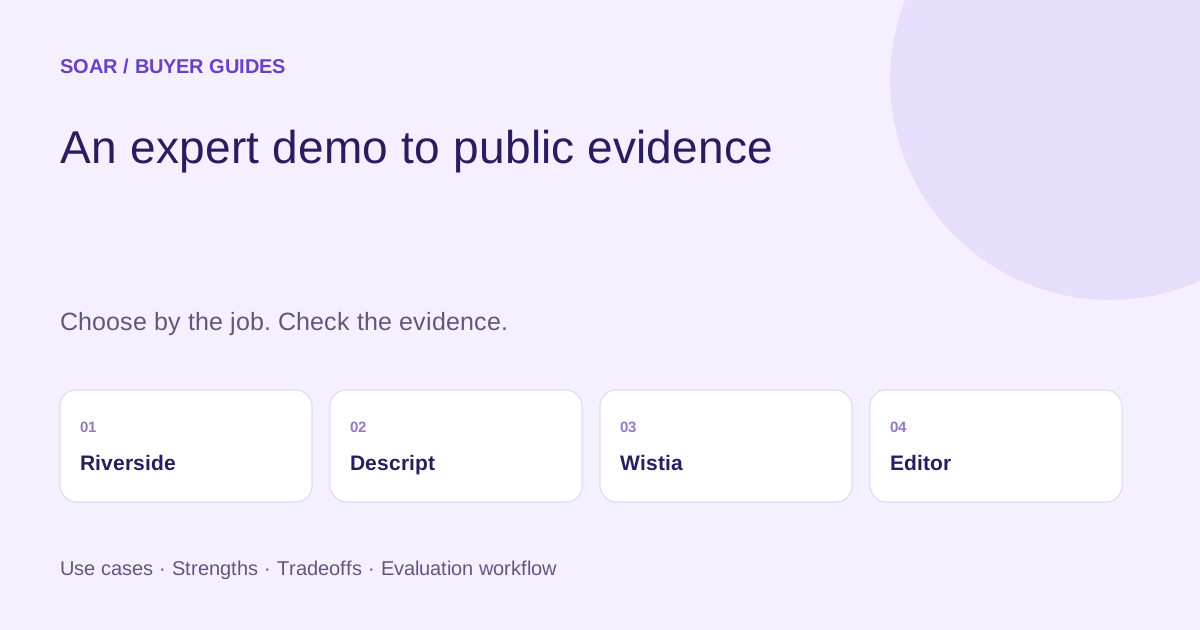
Choose Riverside when the hard part is capturing a remote expert conversation, Descript when the hard part is editing the recording, and Wistia when the hard part is publishing and managing video on your website. Their capabilities overlap, but those are useful starting points. None removes the need to check technical claims and publish a readable explanation beside the video.
An hour-long demo contains more than a transcript. It contains prerequisites, examples, exceptions and moments where an expert corrects an earlier statement. Turning it into useful product evidence means preserving those distinctions while making the answer easier to find.
Which part of the workflow needs help?
Choose around the work that currently blocks publication. You may need one tool, a combination, or your existing recorder plus an editor.
| Tool or approach | Best starting fit | What to inspect | Main tradeoff |
|---|---|---|---|
| Riverside | Capturing remote interviews and demos | Guest setup, recording recovery and export | A good recording still needs factual editing |
| Descript | Editing audio and video through text | Transcript corrections and alignment with the final cut | Convenient edits can change the meaning of an answer |
| Wistia | Hosting and presenting video on a business site | Player, embedding, captions and analytics | A hosted video alone is not a complete article |
| Existing recorder plus editor | Occasional demos with a small team | Reliable files, clear ownership and public text | More manual coordination |
Disclosure: Parse is a related product from our team.
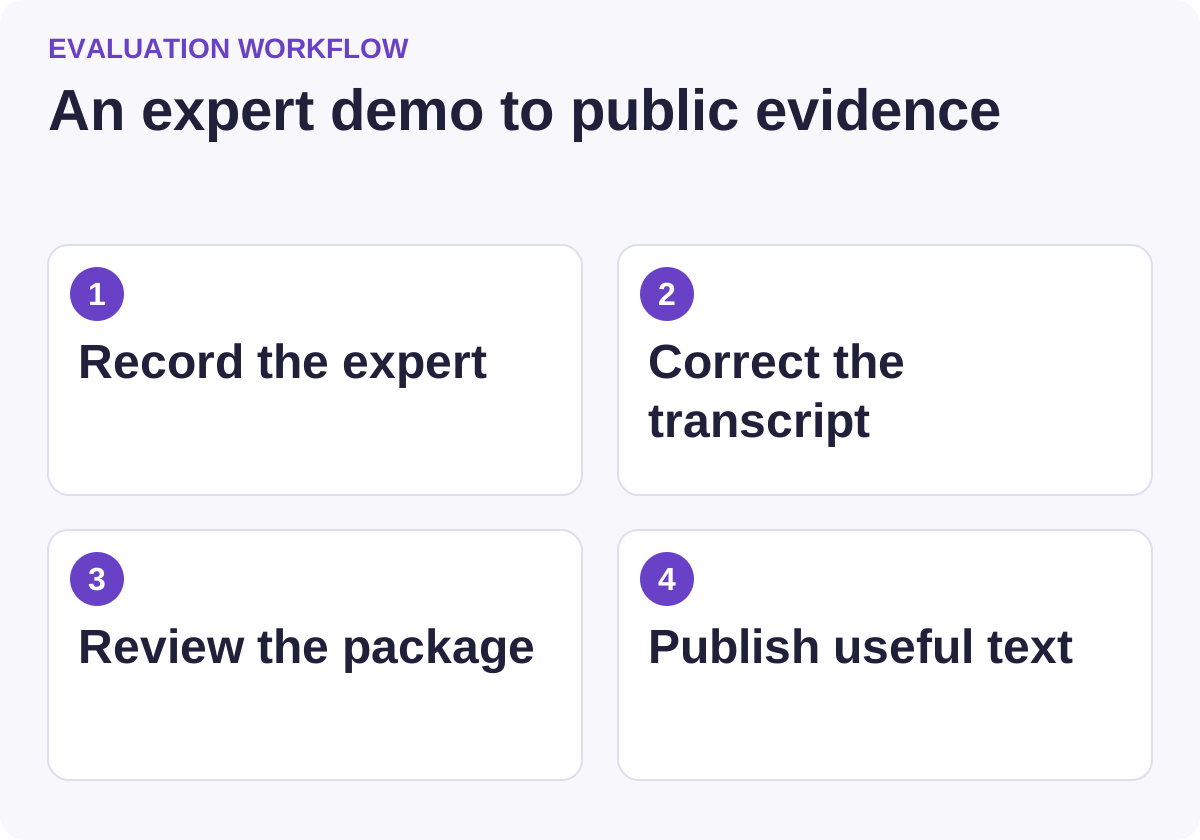
Use this workflow to compare candidates against the same requirements.
Riverside: start here when recording is the bottleneck
Riverside presents recording, text-based editing and repurposing in one platform. Its recording focus makes it a relevant shortlist for remote experts whose audio, connection or equipment may vary.
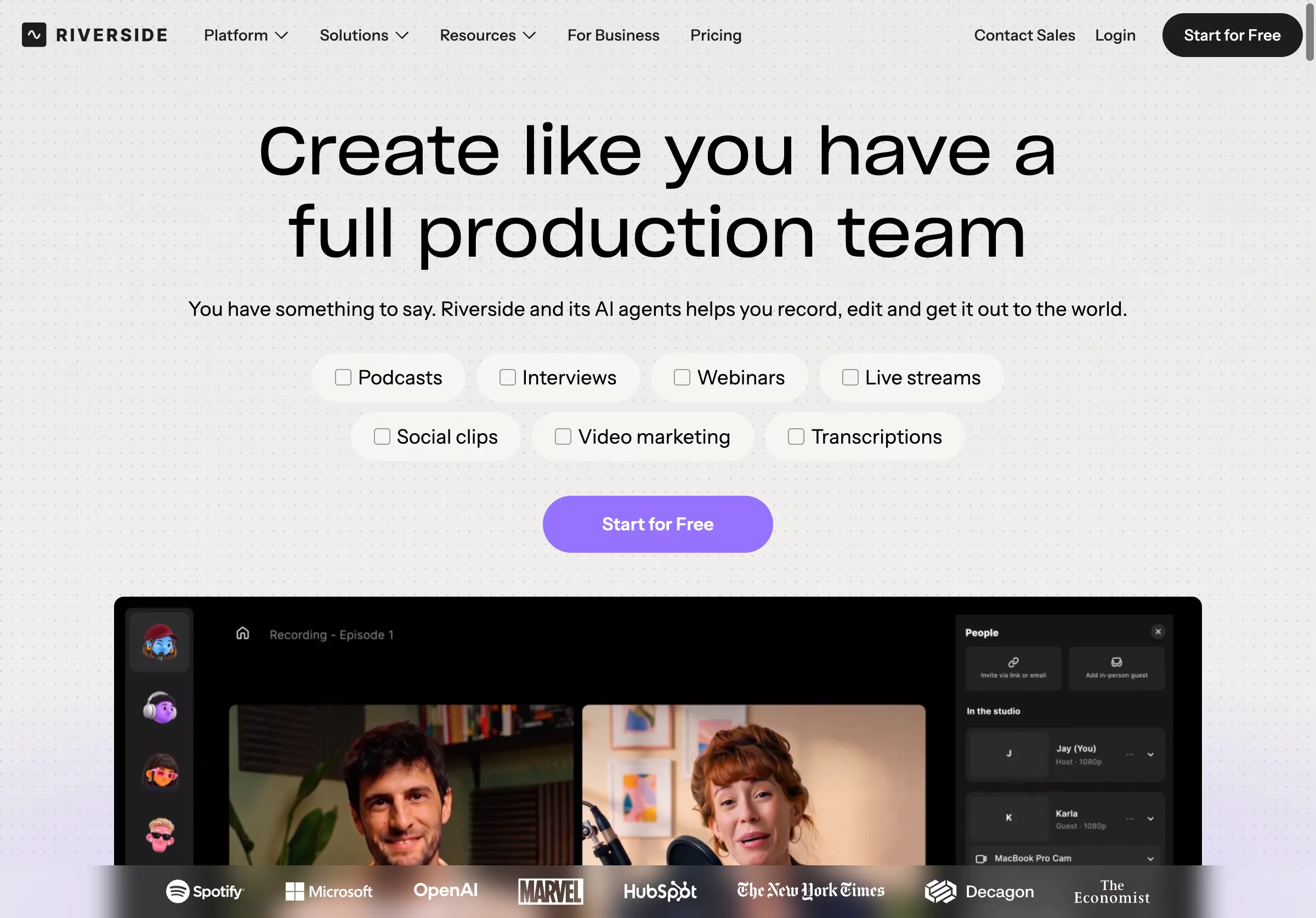
Public source page, captured November 2, 2026.
Choose it when you need a repeatable way to capture interviews and demonstrations with guests. Do not buy a recording workflow to solve an approval problem: the expert still needs to review the resulting claims.
In a trial, include a guest joining from an ordinary laptop, a screen-share demonstration and a short interruption. Verify the available files, audio synchronization and recovery process on the plan you would buy. Check what the guest must install or permit and how long uploads take after the session.
Ask about recording limits, storage, exports and team access. A low monthly price is less useful if the required file quality or collaboration is on a different tier. Keep a copy of the approved original so later edits can be checked against it.
Descript: start here when editing is the bottleneck
Descript centers its product on text-based audio and video editing, with transcription, captions and additional media tools. This is useful when an editor needs to remove repetition, assemble an explanation and produce several outputs from one recording.
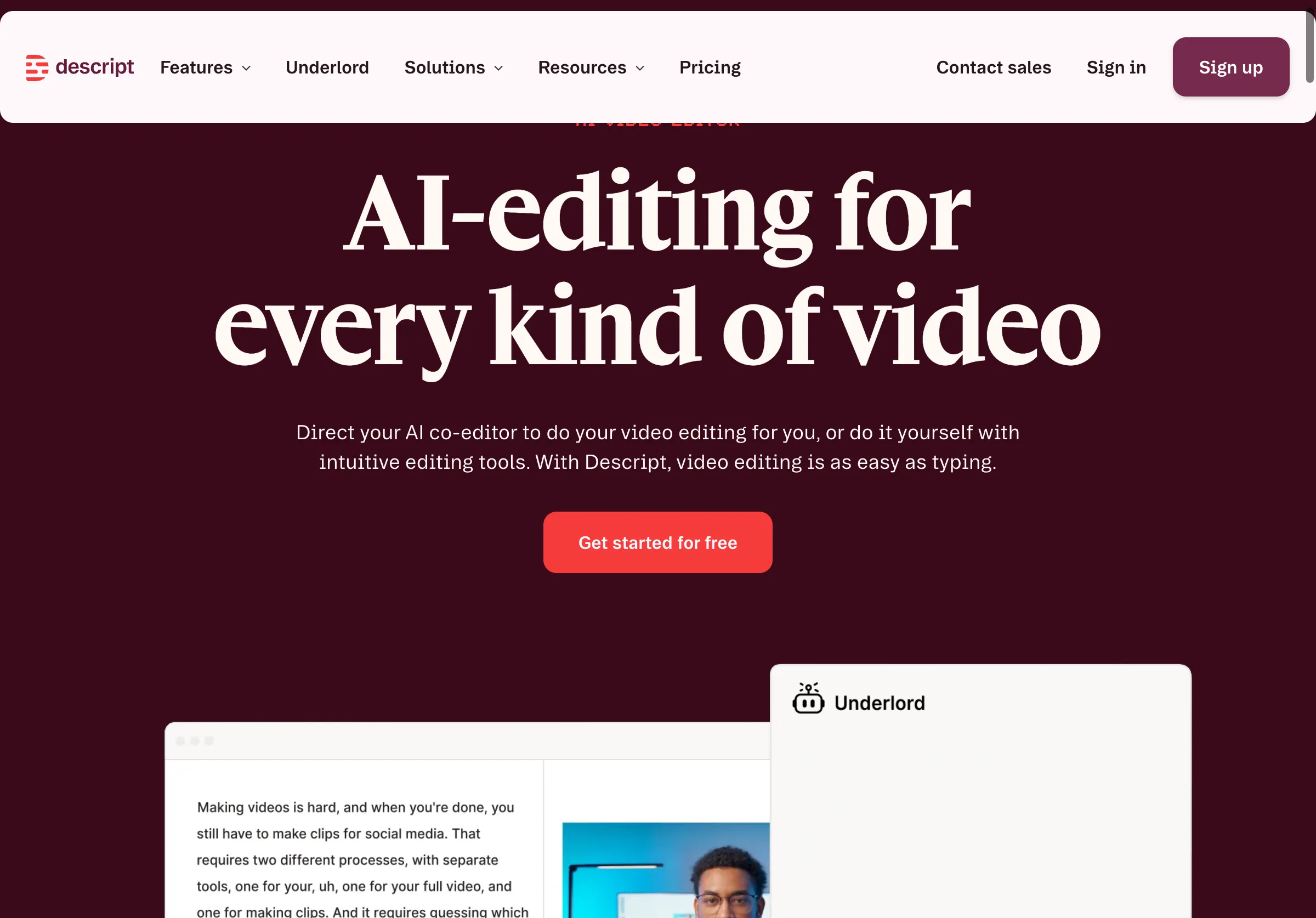
Public source page, captured November 2, 2026.
Choose it when your team wants the transcript and edit to be closely connected. Do not assume a cleaner sentence is a more accurate one. Removing a hesitation is different from removing a qualification such as “for annual plans” or “after the administrator enables it.”
Test a passage with a product name, an acronym, a number and a correction. Check the transcript against the audio, then check the edited audio against the approved article. The final outputs should agree about the fact, even when their wording differs.
Be especially deliberate with generated or regenerated speech. An expert should approve any output that appears to put a new statement in their voice. For evidence-oriented content, a clearly edited explanation is usually preferable to an apparently continuous answer that changes what was originally said.
Wistia: start here when publishing is the bottleneck
Wistia offers video hosting, embedding, collections, marketing features and analytics. It also has creation capabilities, so it is broader than a storage service. Its strongest starting role in this workflow is managing the audience-facing video experience.
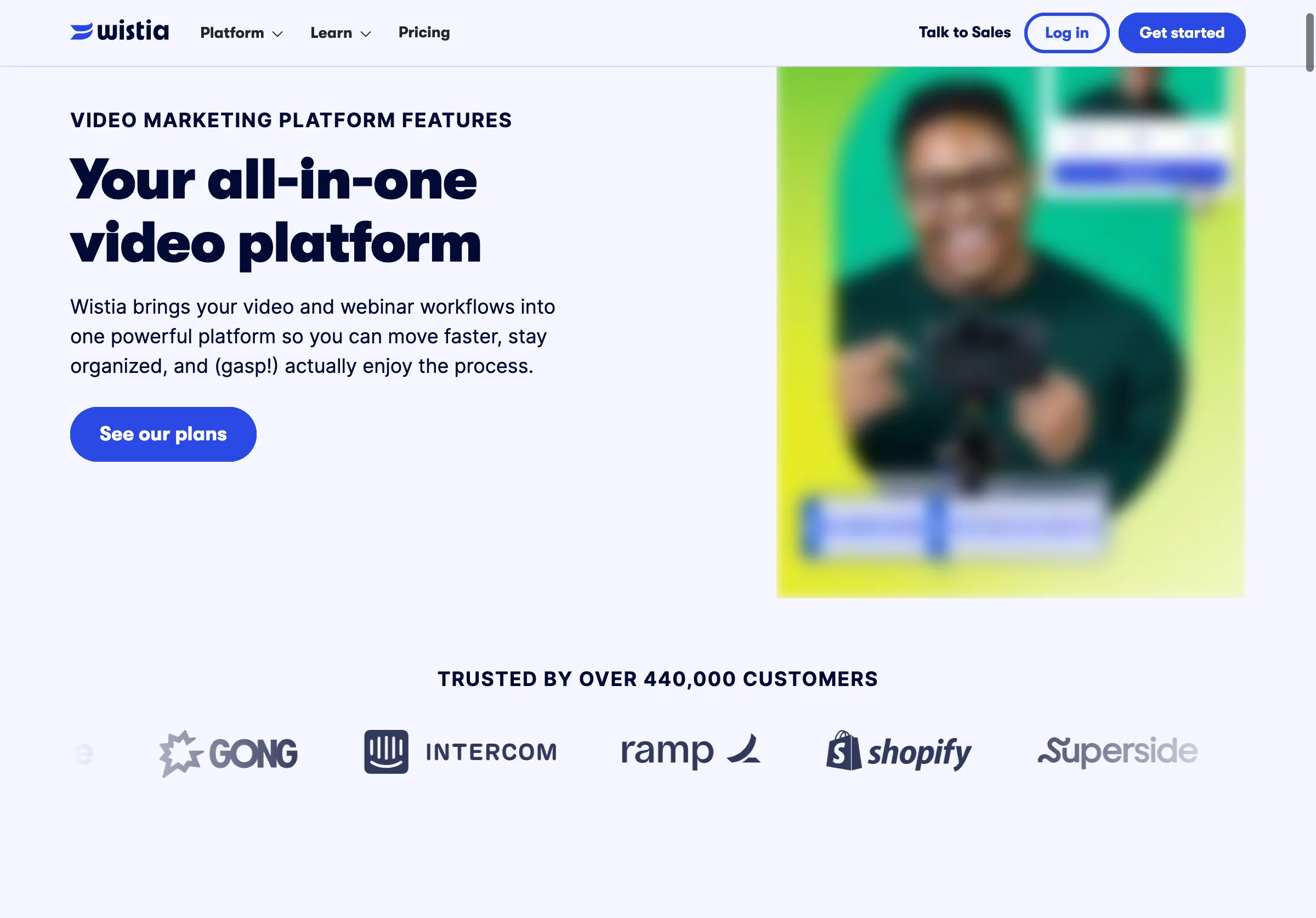
Public source page, captured November 2, 2026.
Choose it when several videos need a consistent home on your business website and the team wants to manage how they are presented. Do not treat an engagement graph as evidence that viewers understood a product limitation or became qualified leads.
For the trial, embed the approved video on a real article template. Check captions, mobile controls, keyboard access and behavior when a visitor declines optional cookies. Confirm which features and integrations are available on the intended plan.
Inspect the page with the video paused. Can someone still understand the answer? A public article should include the important facts in visible text. A caption file helps video accessibility, but it should not be the only place a buyer can find setup requirements or pricing boundaries.
Use one demo brief for every trial
Create a short fictional demonstration rather than exposing private customer information. The following is a practical exercise, not a claim about any real product.
| Moment in the demo | Deliberate difficulty | What must survive publication |
|---|---|---|
| The expert names an integration | Unfamiliar product spelling | Correct name and destination |
| A setup step uses an acronym | Transcription may expand it incorrectly | Exact term and plain-language explanation |
| A feature is described as available | Later qualification limits it to one plan | Plan boundary beside the claim |
| A number is corrected aloud | “Fifteen, sorry, fifty” | The approved final number |
| A demo fails once | Temporary error is visible | Honest explanation, not an invented success |
| A screen shows sample data | Looks like a customer result | Clear illustrative label |
Ask each workflow to produce the same deliverables: a clean video, corrected transcript, chapter outline, short article and a source map connecting important article claims to recording timestamps.
Record editorial minutes as well as tool minutes. A fast transcript that takes an hour to repair may be less useful than a slower process with fewer consequential errors. Count wrong names, numbers, conditions and omitted corrections separately from harmless punctuation differences.
Build an article around decisions, not the recording order
A recording often follows the speaker's thought process. A reader usually arrives with a task. Start the article with the answer, then prerequisites, steps, limitations and examples. Use the video as supporting evidence and a demonstration, not as a substitute for structure.
For example, a demo about exporting reports might begin with ten minutes of interface navigation. The article can begin with the supported export formats and the permission required. Later sections can show the steps and explain what is excluded.
Keep a claim map during editing. Each important statement should point to a timestamp or another approved source. If the article adds a fact absent from the recording, verify it separately. Do not make the expert appear to endorse an inference they never reviewed.
Add chapters where they help viewers jump to distinct tasks. Use descriptive labels such as “Set the export permissions” rather than “Part two.” Check that chapter times still match the final edit; trimming the introduction can shift every subsequent marker.
Approval should cover the published package
Send the expert the article and final video together. Ask them to check facts, terminology, prerequisites, unsupported generalizations and the distinction between current behavior and future plans. A transcript approval alone does not approve a rewritten article or a later video edit.
Assign one editor to resolve conflicts. If the video says a feature is in beta and the article says generally available, investigate before publishing. The answer may have changed since recording, in which case add a clear update rather than quietly presenting old footage as current.
Keep customer names, private dashboards and credentials out of the public package. Use approved sample data and capture clean replacement shots when necessary. The reader should be able to tell which examples are illustrative.
Measure usefulness after publication
Use separate measures for production, reader behavior and business outcomes. Production measures include time to approval and corrections after publication. Reader measures include article navigation, video engagement and help requests. Business outcomes require their own analytics and attribution context.
A clip count measures output volume. It does not establish that the clips answer useful questions. Prefer one complete explanation that resolves a recurring buyer concern to many fragments that omit the conditions.
If you also want to investigate how AI answers describe the product, Parse provides a separate visibility-research workflow. Publishing a demo or transcript does not guarantee an AI citation. Use the public page as a factual reference and evaluate external descriptions independently.
For the approval process around the resulting article, see our expert-led content workflow guide.
Start with one recurring question and one expert who can approve a precise answer.