Best lightweight CRMs for managing content partnerships
Compare folk, Attio, Airtable and spreadsheets for managing publisher relationships, agreed deliverables, publication URLs and follow-up review dates.
Choose folk when the relationship and communication history are the center of the work. Evaluate Attio when you need a more structured model connecting people, organizations and projects. Choose Airtable when deliverables and editorial operations matter more than conventional sales pipelines. Keep a spreadsheet when one owner can maintain a small, clear register reliably.
A content partnership is rarely one person moving through a simple sales funnel. One publisher can have several editors, several projects and several promises with different dates. The right system should make those relationships visible without turning every conversation into a deal.
Which system fits the way you work?
Start with the records your team needs to maintain, then decide how much software is necessary.
| Approach | Strongest starting fit | What to evaluate | Main tradeoff |
|---|---|---|---|
| folk | Relationship-led work with a small team | Contact context, shared ownership and follow-up | Deliverable detail may require a deliberate setup |
| Attio | Connected people, organizations and custom project records | Data model, relationships and permissions | More flexibility creates configuration work |
| Airtable | Editorial projects with several assets and review dates | Linked records, views and operational workflows | Communication history may need integrations or manual upkeep |
| Spreadsheet | A small list with one accountable owner | Clear fields and disciplined updates | Duplicates and conflicting edits become harder at scale |
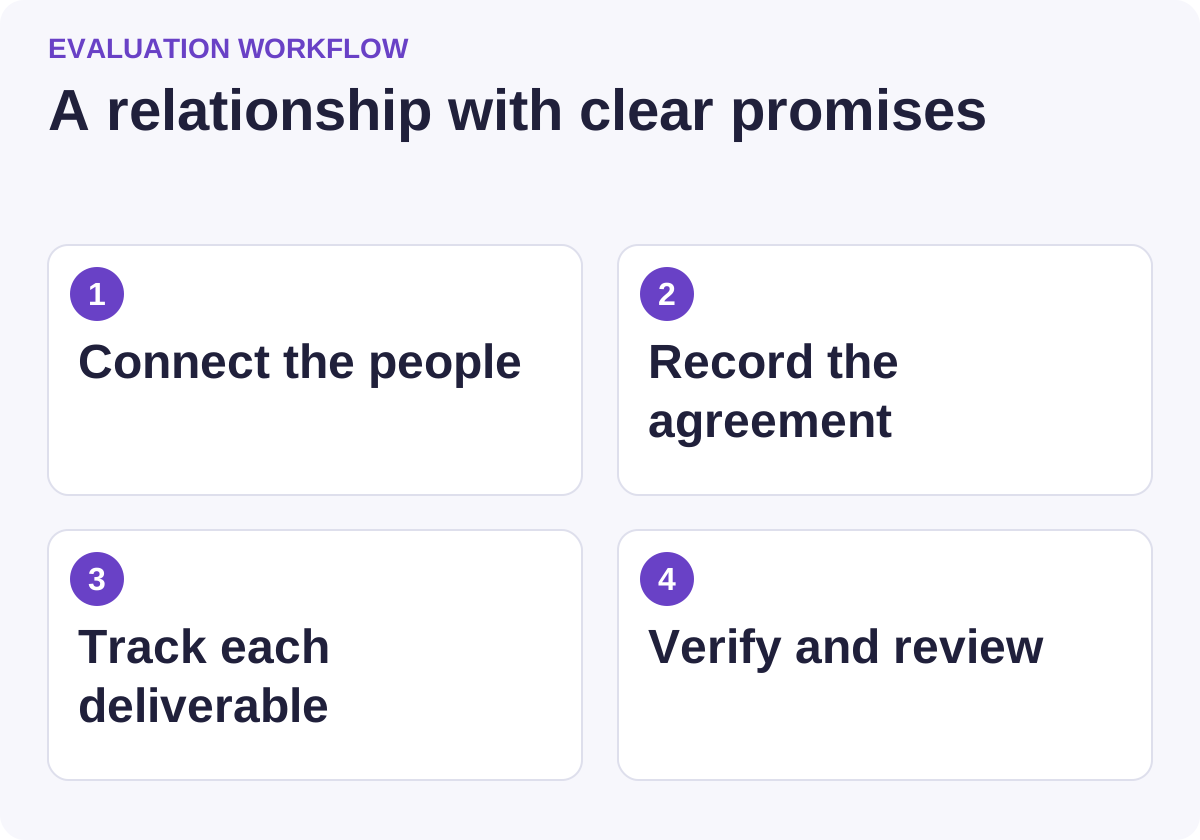
Use this workflow to compare candidates against the same requirements.
folk: start with the relationship
folk presents a CRM centered on contacts, relationship context and sales workflows. For content partnerships, that makes it worth evaluating when the frequent question is “who knows this person, and what happened last?”
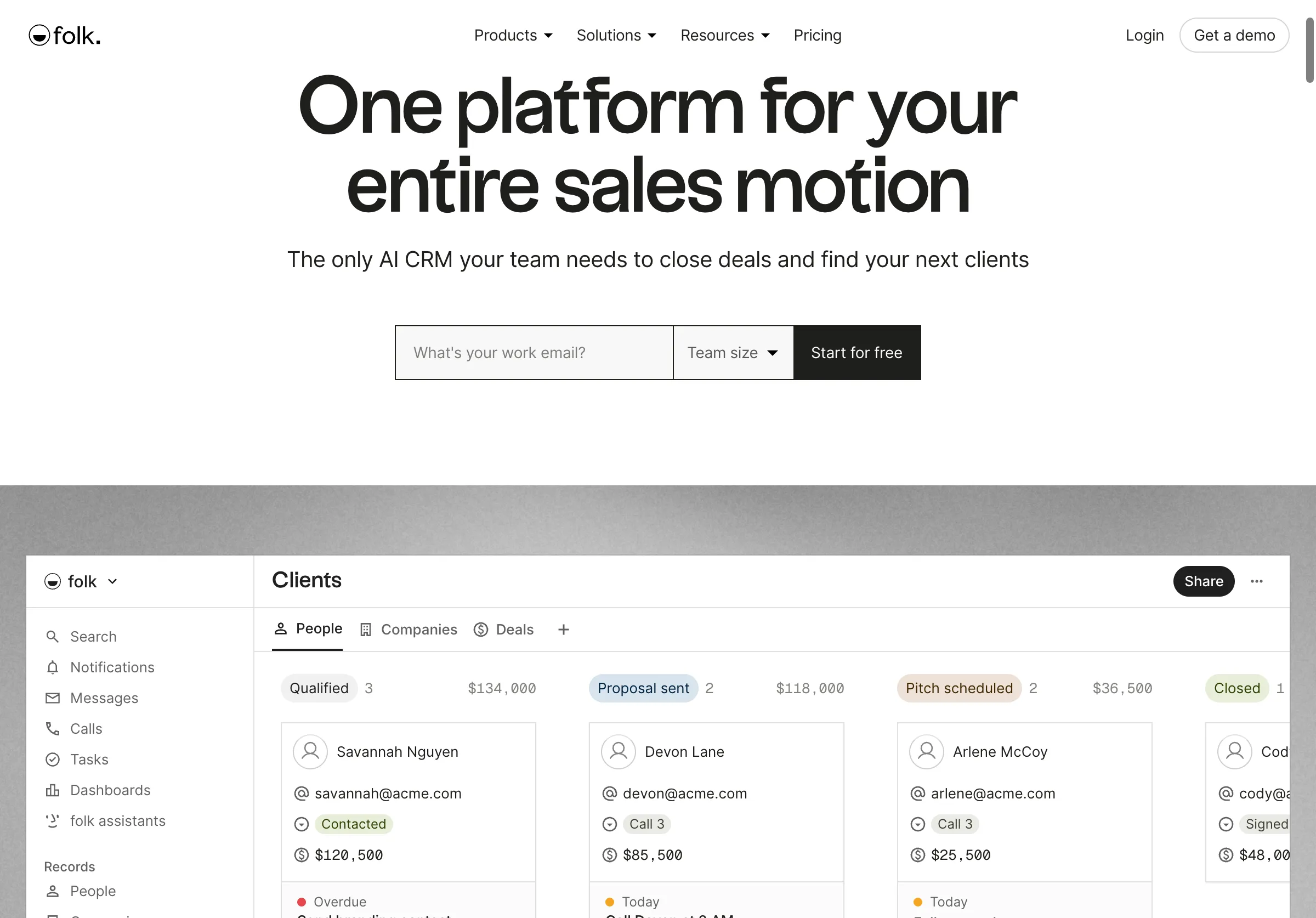
Public source page, captured November 2, 2026.
Choose it when a small team needs to coordinate relationships and keep the next action visible. Do not assume a contact pipeline automatically represents multiple deliverables for the same publisher. A person can be discussing a webinar while a separate article is already in review.
During a trial, create one publication with two contacts and two projects. Check whether a colleague can understand the situation without reading every message. Confirm which communication sources sync, what permissions apply and how personal correspondence is excluded from shared context.
The strongest fit is a workflow where contact ownership is clear and the project detail remains manageable. If the team spends most of its time coordinating assets, approvals and recurring maintenance, compare that experience with a more project-oriented setup.
Attio: start with the data model
Attio emphasizes a flexible CRM data model and workflows. Its object documentation describes standard and custom objects, access controls and rules; the help navigation also separates records, attributes and relationships.
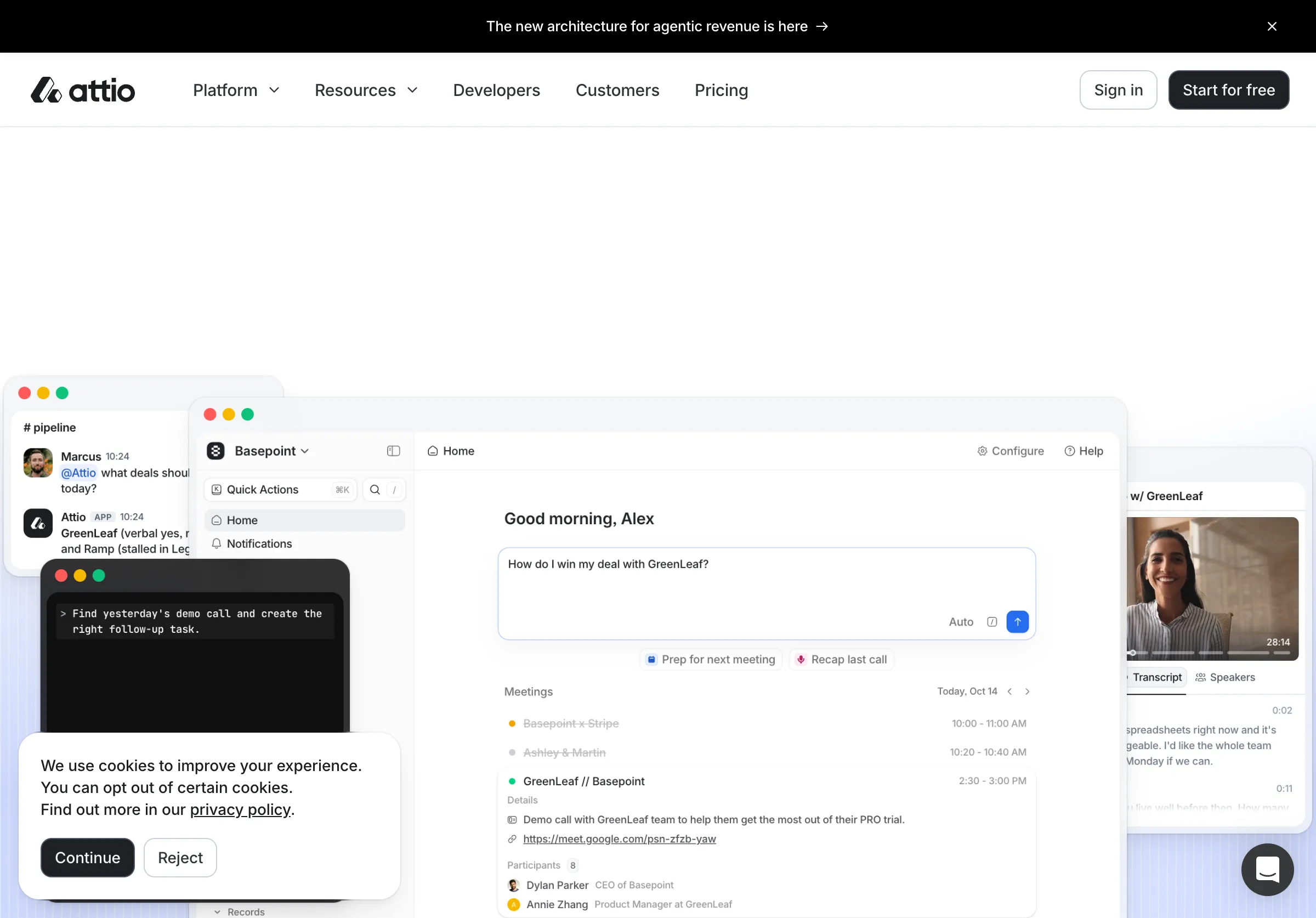
Public source page, captured November 2, 2026.
Choose it when you need to model publications, people and partnership projects as connected but distinct records. Do not choose it because a flexible system sounds more powerful if nobody will own the model after launch.
In the trial, decide which information belongs to the organization and which belongs to a project. The publication's domain should not be copied inconsistently into every task. A promised publication date should belong to the specific deliverable, not the person's permanent profile.
Ask about plan requirements for the objects, permissions and automation you need. Then test an export. A good model should remain understandable outside the product, especially when a colleague needs to audit an old agreement or move the workflow later.
Airtable: start with the deliverables
Airtable is a configurable platform for data and workflows rather than a narrowly defined relationship CRM. It is useful when the work revolves around articles, interviews, source material, publication URLs and review dates.
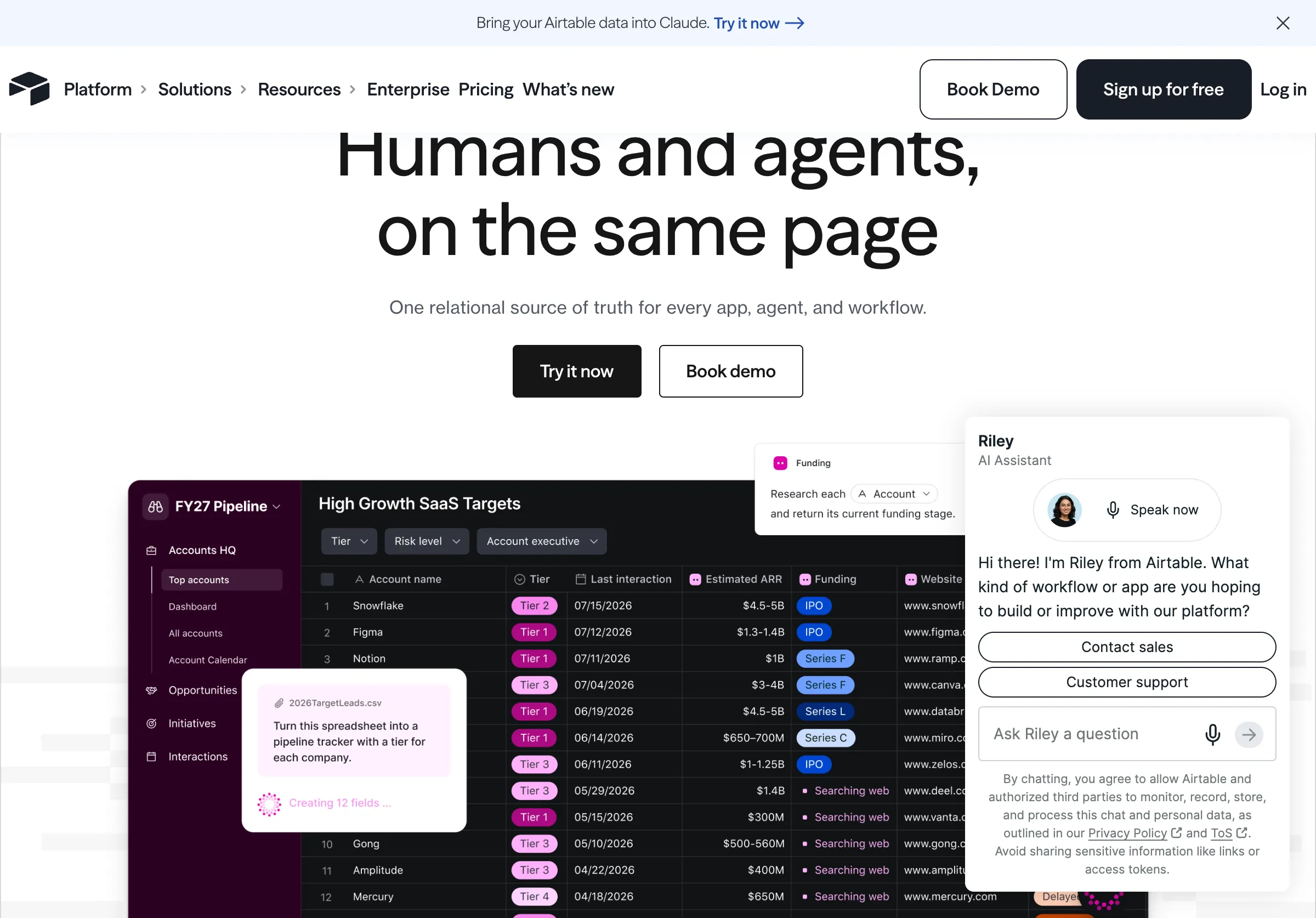
Public source page, captured November 2, 2026.
Choose it when your team wants linked tables and purpose-built views for editorial operations. Do not assume a base maintains itself. Someone still needs to define fields, permissions, duplicate rules and the boundary between a contact and a project.
A practical trial uses separate tables for publications, people, projects and deliverables. Test whether one project can have several assets without copying the same relationship history into each row. Create a view for overdue approvals and another for published work awaiting a scheduled review.
If communication history matters, inspect the integration or manual process that brings it in. A polished project dashboard can still leave the next editor unaware that a partner declined a proposal last week.
A spreadsheet: choose simplicity deliberately
A spreadsheet is a credible option when the list is small and a named owner keeps it current. It can make the workflow explicit before you spend money on automation.
Choose it when one table can represent the work without long cells full of unrelated promises. Do not keep stretching it after multiple people begin duplicating contacts, overwriting statuses or losing the connection between a project and its assets.
Use stable IDs, a small status vocabulary and separate columns for dates and URLs. Avoid storing the entire relationship in a free-text “notes” cell. Keep sensitive correspondence in its appropriate system and link to approved context rather than copying everything into a widely shared sheet.
The point to migrate is operational pain, not row count alone. Ten complicated partnerships can require a better model than two hundred simple contacts.
Test the same partnership in every system
Use a fictional publisher and sample people. This exercise tests the structure without importing private communications.
| Record | Example information |
|---|---|
| Publication | Domain, topic, editorial policy and owner |
| Person | Current role, public profile and preferred contact route |
| Project | Joint interview, scope, status and responsible teammate |
| Deliverable | Draft, approved quote, article, webinar or source asset |
| Agreement | Exact promised action, owner and due date |
| Publication evidence | Canonical URL, observed date and actual inclusion |
| Review | Next check, current status and correction needed |
Now introduce realistic changes. One editor leaves. A draft date moves. The article publishes without the originally discussed example. A colleague asks whether the relationship is active. The system should preserve the history and make the current facts obvious.
Measure the time needed to answer those questions and correct the records. A beautiful board is not enough if every answer still requires asking the person who set it up.
Separate promises from observed outcomes
Use statuses that describe facts. “Discussed,” “agreed,” “draft shared,” “approved,” “published” and “verified” are different states. An enthusiastic reply is not an agreement, and an agreement is not a live article.
Record what was actually published. A research citation, a product recommendation and a passing mention are different outcomes. Do not count them as interchangeable wins. Keep the canonical URL and a short description of the inclusion so someone else can inspect it.
If commercial terms exist, record them accurately and keep the public editorial treatment appropriate to those terms. The CRM should not encourage an editor to make a flattering recommendation merely to satisfy an informal exchange. Credible comparisons need independent judgment.
Keep reminders tied to useful work
Good reminders have a reason: an agreed draft is due, a partner asked for an answer, or a published page needs review. A generic “follow up every seven days” rule can produce irrelevant contact and duplicate work.
Require an owner and a next action before automating reminders. Test what happens when the partner declines, the project closes or another teammate takes over. Confirm that a status change suppresses obsolete tasks.
For recurring maintenance, create a review date after publication. Check that the page still exists, the link works and the relevant statement remains accurate. A relationship system should help maintain useful work after launch, not only push projects toward a first publication.
Compare the total cost of adoption
Price the actual number of users and the features required for your model. Include configuration, imports, cleanup, integrations and ongoing administration. Confirm how guests, read-only access, automations and exports affect the intended plan.
Start by migrating a representative sample. Keep a reversible copy of the original data and inspect duplicates before connecting automatic sync. Ask a teammate who did not design the system to complete the sample workflow.
If you are still discovering which publishers matter, our audience research guide and publisher outreach guide cover the upstream work. A CRM organizes a qualified relationship; it does not establish that the relationship is worth pursuing.
Bring the real deliverables and maintenance obligations, then choose the lightest system that can keep them clear.